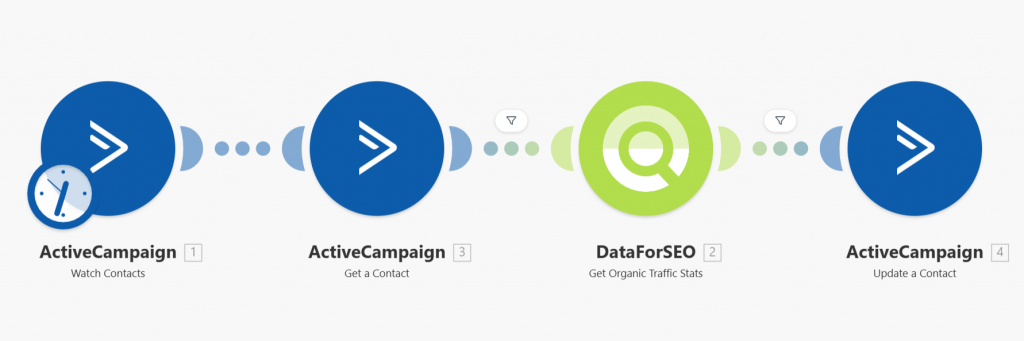
Quick overview
This Make.com template automatically pulls search traffic estimates from the DataForSEO API and updates your ActiveCampaign contacts or deals with predicted traffic data. Instead of manually estimating search interest or exporting data from multiple tools, this workflow enriches your ActiveCampaign records with relevant traffic insights tied to keywords, helping you better understand audience demand without manual analysis.
Who it’s built for
This template is ideal for digital marketers, campaign managers, and sales teams who use ActiveCampaign and want to enrich contact or deal data with search interest and traffic indicators. It’s particularly useful for teams focused on optimizing campaign performance, prioritizing content opportunities, or integrating SEO insights directly into CRM workflows.
Workflow breakdown
- A trigger starts the workflow.
- It retrieves domain information from ActiveCampaign records.
- The scenario calls the DataForSEO traffic estimation endpoint to get search traffic metrics.
- The returned data, such as estimated monthly visits, is extracted.
- The enrichment data is written back into corresponding fields in ActiveCampaign.
What you get
You get a fully automated system that enriches your ActiveCampaign records with data‑driven traffic estimates generated from the DataForSEO API. These insights provide a clearer picture of search demand and audience interest without manual analysis, helping you tailor campaigns, improve segmentation, and make more informed strategic decisions directly from your CRM.
What you need to get started
- DataForSEO account and API credentials (your API login and password).
- An ActiveCampaign account connected in Make.com
- An ActiveCampaign CRM property configured to hold traffic estimate fields
- A Make.com account with the necessary integrations connected
Setup Guide for First Use
Before using the template, you simply need to create custom fields in ActiveCampaign for entering the website domain and storing the ETV value (Estimated Traffic Volume metric retrieved with DataForSEO API).
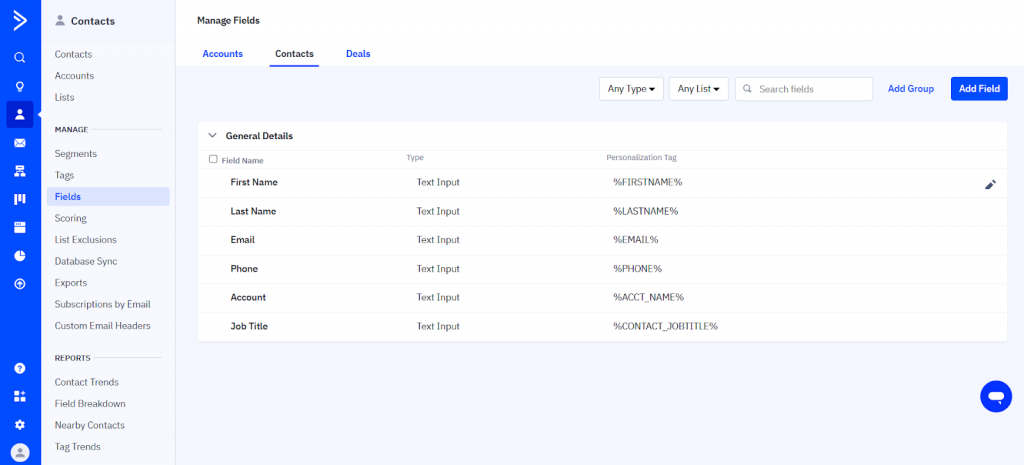
- Go to the Contacts section > Fields.
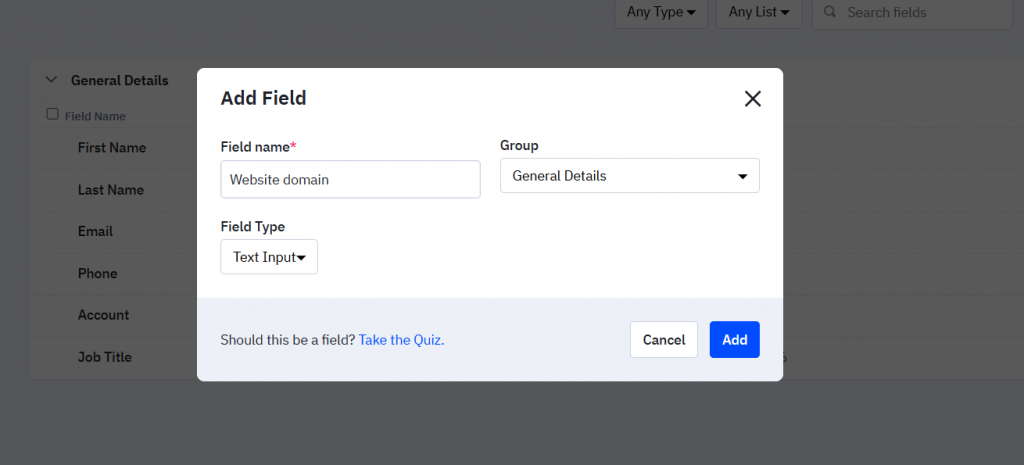
- Click Add field. Under Field name, enter a name for the website domain field. Select Text Input in the Field Type dropdown, adjust the group if needed, and click Add.
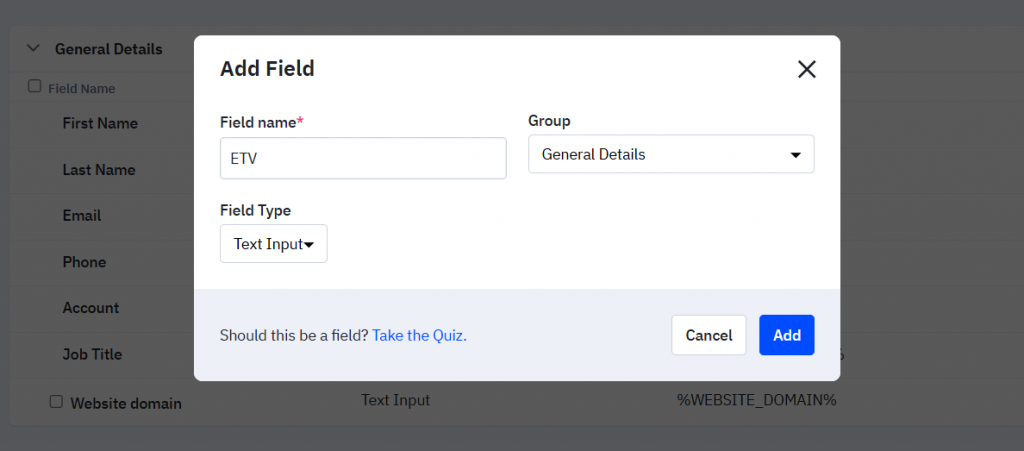
- Similarly, create a field for storing the ETV value.
That’s it! You’re all set to make the most out of our Traffic Stats for ActiveCampaign leads template in Make.