

The shortest response time in the industry
Our APIs are reliable, scalable, and secure by default
Our proactive customer support team is ready to help you anytime
You don’t need to sign any contracts and be bound by any conditions

Blake Acheson, President at AgencyAnalytics
Get a free account to test DataForSEO APIs you’re interested in with a real-time playground.



From building innovative SEO software solutions to fostering market research and ecommerce analytics, DataForSEO is made for what you do
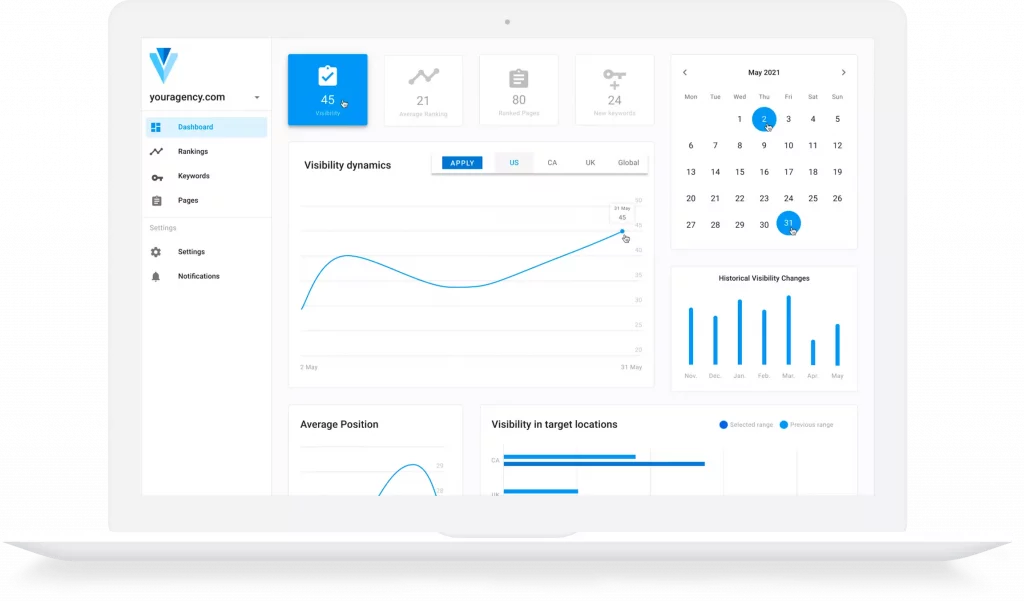
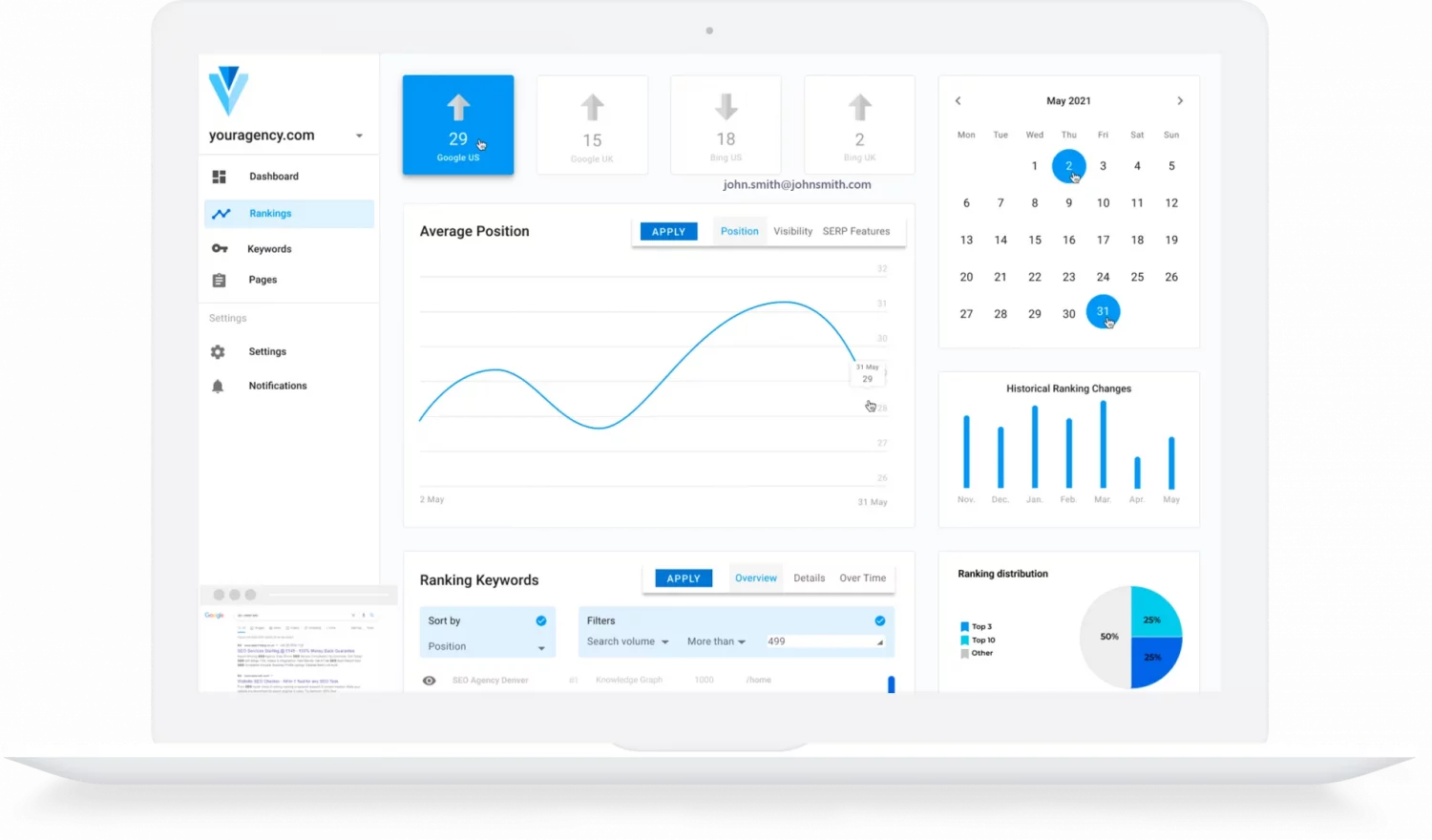
Rank Tracker is the primary tool used by website owners and SEO professionals to monitor search engine rankings of website’s pages for specific keywords.
If you’re looking for a reliable solution to build sustainable rank tracking, visit our guide to developing a Rank Tracking tool with DataForSEO APIs.
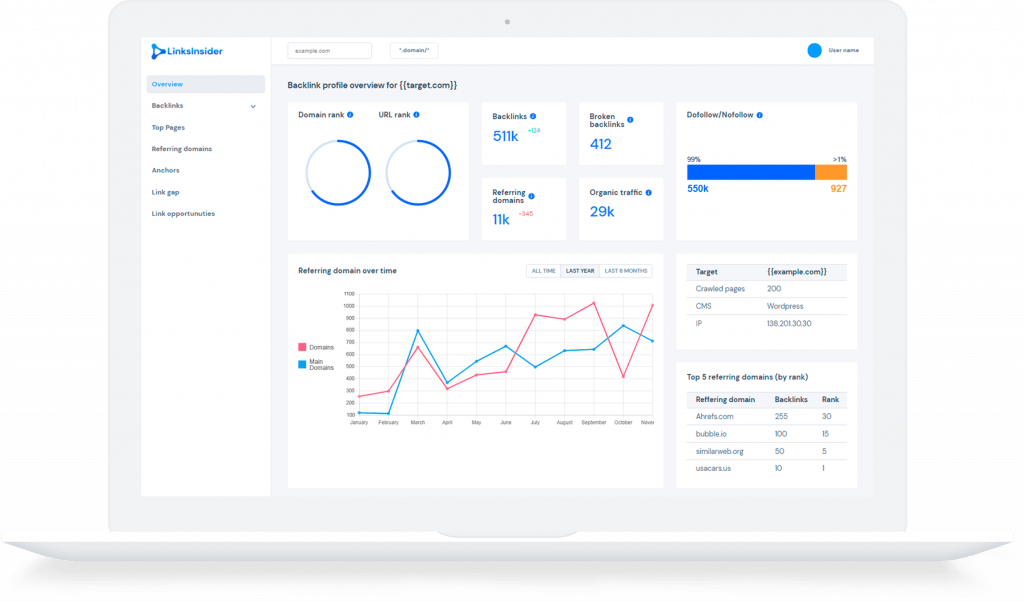
Backlink analysis tools showcase the backlink profile of any target and provide deep insights into a site’s backlinks, top pages, referring domains, and more.
With DataForSEO Backlinks API, you can speed up the designing stage, and swiftly release a quality Backlink Checker powered by fresh and robust data.
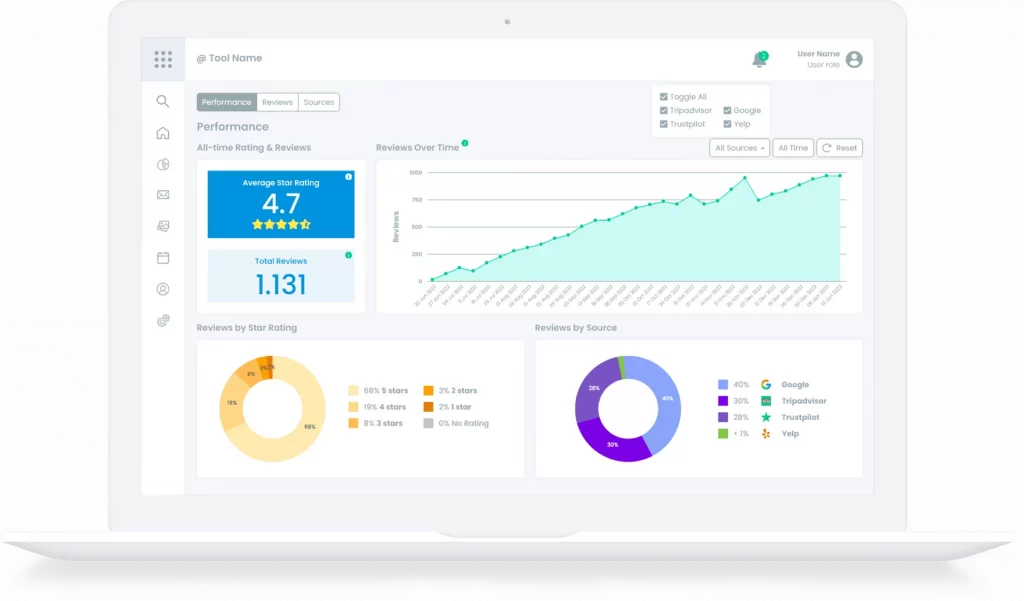
Reputation Management tools help users keep track of online mentions, and monitor customer reviews on various platforms, such as Yelp and Google Business Profile.
Check our development guide and learn how to quickly design and release a robust reputation management software atop two powerful DataForSEO APIs.
Keyword research is one of the most crucial processes in search engine optimization. It helps understand user intent and drive targeted traffic by identifying the queries that people search for.
We’ve prepared a development guide to help you build your own keyword research tool based on the effective use of DataForSEO APIs.
Easily integrate DataForSEO APIs into your favourite tools without writing a single line of code. With a collection of ready-made connectors and modules you can access high-quality SEO data effortlessly, saving your time and resources.


 Kono Kim
 Lindsay Halsey
 Kaspers Milbergs
 Kieran Headley
  Callum Sherwood























DataForSEO offers a detailed documentation for every parameter, field and function you can come across while using our APIs and databases.
Every DataForSEO user has access to a comprehensive graphic user interface (GUI) and can monitor and control every aspect of data usage.
Our support team is available 24/7 to ensure you get the required assistance and all your requests are addressed promptly and proficiently.
Yes. The crawler features different levels of execution. You can choose to run a Basic HTML crawl, Enable JavaScript, or Enable Browser Rendering to fetch elements loaded dynamically via JS, AJAX, or modern front-end frameworks like React or Angular.
Yes. Beyond a full crawl, DataForSEO OnPage API features Live Instant Pages and Content Parsing endpoints designed to return text, anchors, and structured content from specific URLs instantly.
Yes. DataForSEO OnPage API features a dedicated Force Stop endpoint. If you realize a crawl task is too large or no longer needed, you can trigger this endpoint to immediately abort the crawling process and minimize your spending.
You can use custom_robots_txt, start_url, respect_sitemap, and max_crawl_pages parameters in the Task POST endpoint to allow crawling only the section you need. There is also a way to slow down the OnPage crawler – just set the crawl_delay parameter to the desired value (2000 ms by default). The crawler will wait longer between page requests, which can reduce the load on your server.
When fetching results, the API returns a crawl_progress field indicating if the crawl status is in_progress or finished, alongside integers showing the exact number of pages_in_queue and pages_crawled.
Yes. In your DataForSEO user panel, you can set daily expenditure limits for specific APIs or endpoints. If a crawl threatens to exceed your budget, the API stops the process and flags a specific cost-limit error code (40203).