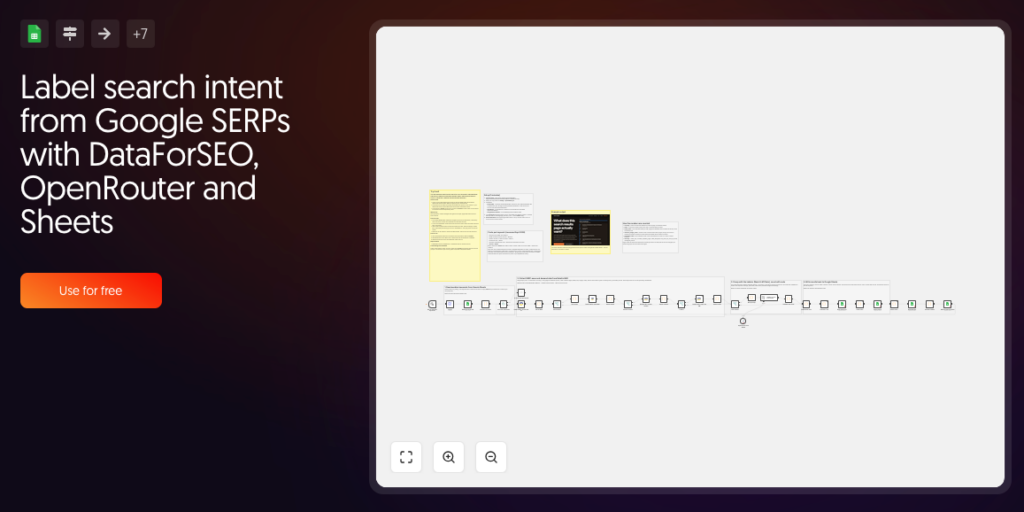
Quick overview
For every keyword in a Google Sheet, the workflow reads Google’s top 10 and tells you what the results page actually wants: which search intents it serves, in what form, and how long the winning pages are. The same method is also available as an open-source Python library with a browser playground (Intent Labeler).
Who it’s built for
SEO specialists, content strategists and agencies who plan pages and briefs from real search results instead of guessing.
Workflow breakdown
- Add keywords, country and language codes to the Keywords tab of your copy of the Google Sheet.
- The verified DataForSEO node fetches the live Google top 10 with People Also Ask, related searches and AI Overview.
- Optionally, DataForSEO reads every ranking page (OnPage content parsing).
- Optionally, DataForSEO Labs adds search volume with seasonality (keyword overview) and traffic per URL (bulk traffic estimation).
- A low-cost OpenRouter model groups the results into intents. It never sees numbers.
- Code nodes count share of results and traffic per intent, reference length, content form and warnings such as a mixed SERP or “this query does not want an article”.
- The summary, intents and per-result data are written back to the sheet, and the keyword is marked as done.
What you get
- Summary, Intents and Results tabs in Google Sheets.
- The cost of every keyword: about $0.03 with all steps on, $0.003 for SERP and grouping only.
- Every number is computed in code, so each figure can be checked by hand.
What you need to get started
- A DataForSEO account with API access and the verified DataForSEO node (n8n-nodes-dataforseo) installed in n8n.
- An OpenRouter API key.
- A Google account (Google Sheets OAuth2) and your copy of the template Google Sheet (the link is in the workflow’s Setup note).