Quick overview
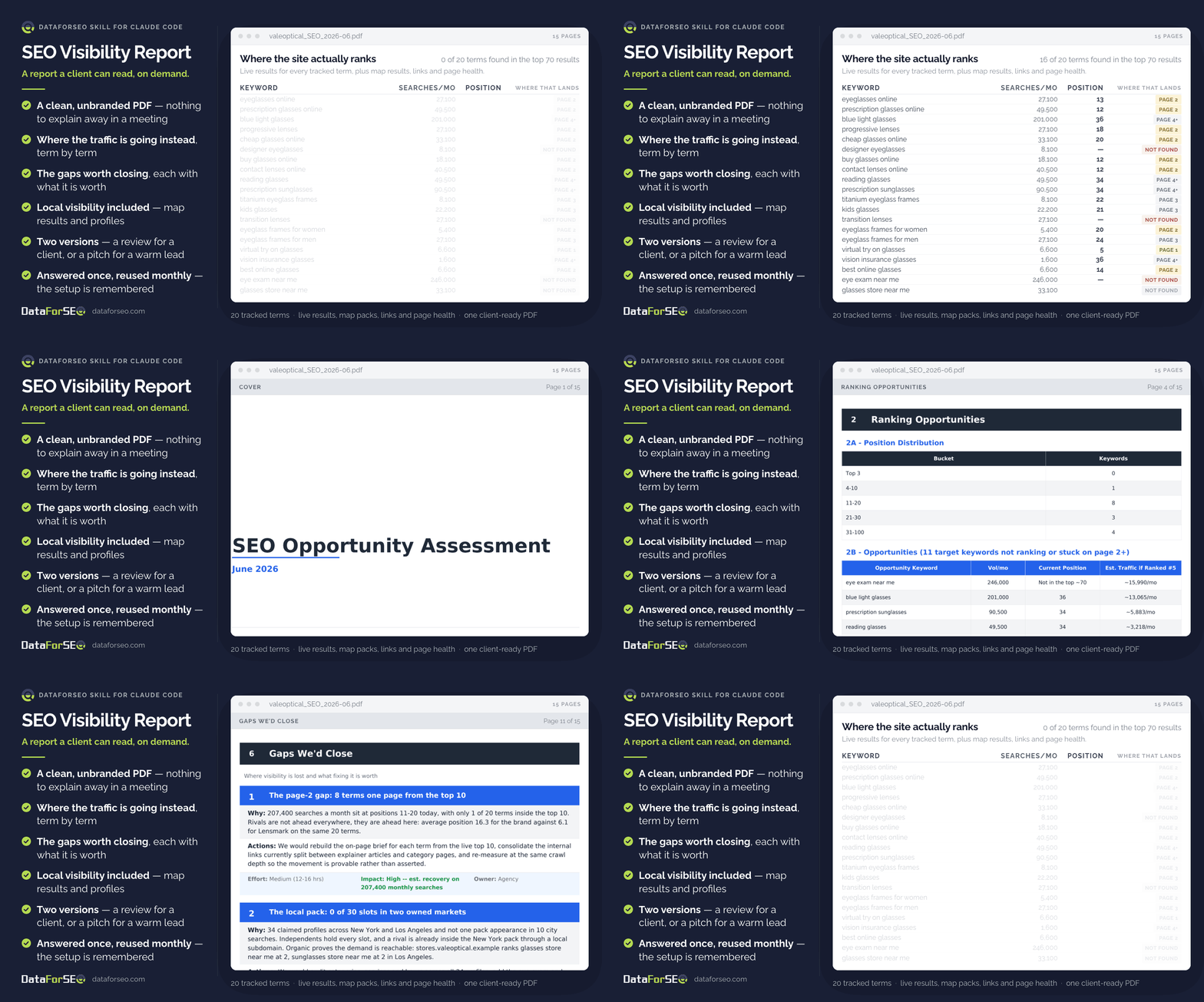
This skill produces a finished SEO report for any domain, whenever you need one. Point it at a site and the terms that matter, and it comes back with where that site actually ranks today, what it’s losing to competitors, how healthy its links and pages are, and a short list of gaps worth closing — each one with an estimate of what closing it is worth. The report carries no tool branding, so the same document works as a monthly review for an existing client or as the opening move on a warm lead.
Who it’s built for
For SEO agencies and consultants who need a credible report without giving up a day to build it — month-end reviews, pitch meetings, and any moment someone asks “so how are we actually doing?”. It’s equally useful in-house, when the answer has to be readable by someone who doesn’t live in SEO tools.
What you get
- A finished document, not a dashboard export. Something you can attach to an email or put on a screen without reformatting it first.
- Ranking reality. Where every tracked term sits right now, and how far it is from the positions that get clicked.
- A short list of gaps worth closing, each with what it’s worth, what it takes and who does the work — so the conversation is about priorities, not data.
- Local visibility when it matters — map results, business profiles and reviews for businesses with locations.
- Competitors, backlinks and page health in the same document, so nobody has to reconcile three tools.
- Honest blanks. Anything that couldn’t be measured says so, rather than being quietly estimated — which is what makes the rest of it defensible.
- Six questions answered once. The setup is remembered, so the next report is a single sentence.
What you need to get started
- A DataForSEO account and your API credentials.
- Claude Code, with the DataForSEO connection added once.
- The SEO Visibility Report skill installed.
- The domain, the keywords you want tracked, the market, a few competitors, and whether this is a review for an existing client or a pitch for a new one.
Workflow breakdown
- You answer six short questions the first time — the domain, its market, the keywords, the competitors, who will be reading, and whether this is a client review or a pitch. They’re remembered for next time.
- You’re told how much data the run needs before any of it is fetched.
- Live search results are checked for every tracked term, and map results too if the business has locations.
- The backlink profile is pulled, and the most important pages are checked for health and speed.
- Findings are turned into a small number of gaps, each priced by what closing it is worth and labelled with the effort involved.
- Out comes the report, plus the data behind it, ready to send or present.